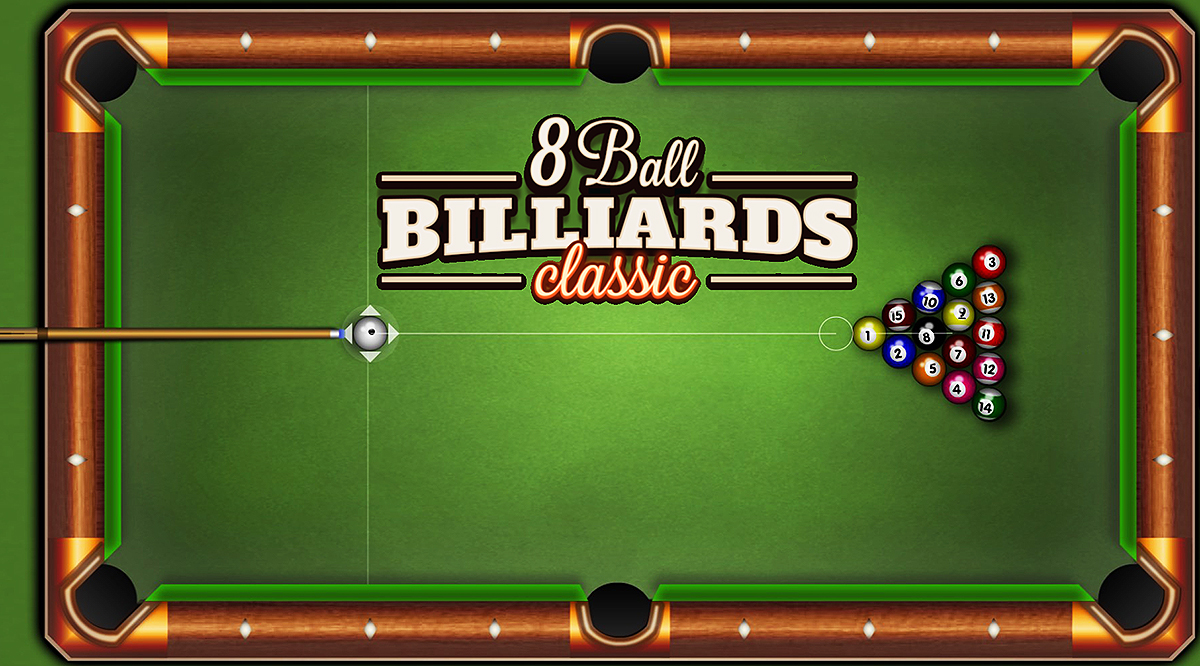
8 Ball Billiards Classic
Playing Now
Game Details
Genre
Action
Format
HTML5 / WebGL
Controls
Mouse / Keyboard
Platform
Browser
About This Game
Rack 'em up and dive into the classic world of 8 Ball Billiards Classic! This game brings the timeless pool hall experience straight to your device, allowing you to challenge the computer across five difficulty levels or compete head-to-head with a friend on the same device. With realistic physics and intuitive controls, it's time to sharpen your cue skills and enjoy a game that's easy to pick up but challenging to master.
How to Play 8 Ball Billiards Classic?
- Set the difficulty: Choose between 1 - 5 (5 being most difficult) difficulty settings for the opponent AI.
- Understand the Objective: Your goal is to pocket all of your assigned balls (either stripes or solids) and then legally sink the 8-ball to win.
- Aiming and Shooting:
- Aim: Move your mouse or finger to position the cue stick in the desired direction.
- Adjust Power: Click and drag the cue stick backward to set the power of your shot.
- Shoot: Release to strike the cue ball.
Gameplay Mechanics:
- The first ball pocketed after the break determines your group (stripes or solids).
- Continue pocketing your group's balls.
- After clearing your group, aim to pocket the 8-ball to win.
Be cautious: sinking the 8-ball prematurely results in an instant loss.
Tips and Tricks:
- Use Auxiliary Lines: Enable guideline indicators to assist with aiming and predicting ball trajectories.
- Master Spin Control: Adjust the spin on the cue ball to influence its movement and position for subsequent shots.
- Plan Ahead: Think a few shots ahead to position the cue ball optimally for your next move.
What Are the Controls for 8 Ball Billiards Classic?
- Aim: Move your mouse or finger to position the cue stick.
- Adjust Power: Click and drag the cue stick backward to set the shot's power.
- Shoot: Release to strike the cue ball.
- Spin Control: Use the zoom feature to adjust the spin of the cue ball.
On mobile devices, simply tap and hold on the screen.
Features
- Realistic billiards physics
- Single-player mode with five difficulty levels
- Intuitive controls
- Auxiliary lines to assist with aiming
- Spin control for advanced shots
Games you might like
View All