Stickman Temple Duel
Game Details
Genre
Action
Format
HTML5 / WebGL
Controls
Mouse / Keyboard
Platform
Browser
About This Game
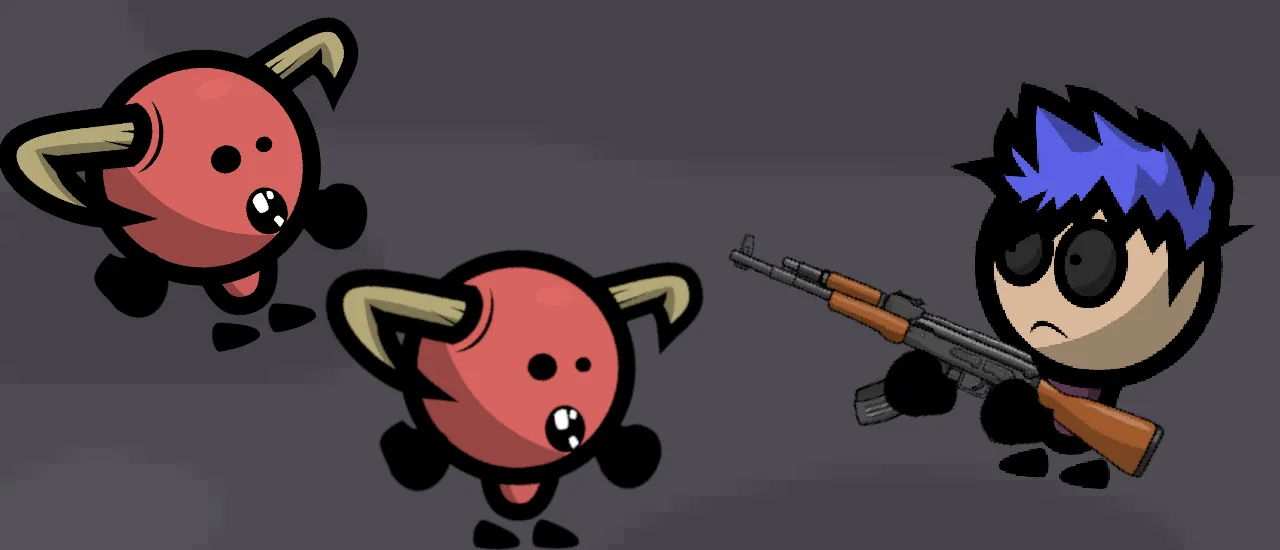
Stickman Temple Duel is an exciting platform shooter designed for both hot-seat 1v1 multiplayer battles and the single-player story mode. Navigate your agile and slender stickman through many challenging stages of the story mode and gun down your enemies with a variety of weapons. You can also engage in close-quarter melee combat while playing competitive versus mode against a friend or the AI. Most moving objects you’ll encounter are deadly, so to overcome the challenges ahead, you will have to move dexterously, aim precisely and shoot decisively!
How to play Stickman Temple Duel?
When engaging in story mode, take a look at your surroundings, tread carefully and try to eliminate opposing stickmen before they get a chance to fire back. Be efficient while using your firearms. There is no indication of the remaining ammunition on the interface, but you can run out of it if you keep shooting recklessly. Once you’ve reached checkpoints while progressing through a stage, you will respawn at these spots and continue the current level if defeated. If seeking a fresh challenge, you should try out the 1v1 mode, which has a few different features. For example, the auto-aim is always on, so you ought to emphasize finding proper cover to evade your opponent’s fire. In this game mode, you can pick up various randomly generated firearms and sometimes melee weapons such as maces or swords. You can also briefly rely on your shield to survive when there’s no decent cover.
What are the controls for Stickman Temple Duel?
To play Stickman Temple Duel, you’ll require a mouse and keyboard. You’ll quickly get the hang of the controls, which include movement, aiming, shooting, or shielding, depending on the game mode.
Player versus Player:
Player 1
- Arrow keys – movement
- “L” – shoot
- “K” – shield
The same controls apply if you play against a bot.
Player 2
- W/S/A/D – movement
- “F” – shoot
- “G” – shield
Story Mode:
- Arrow or WASD keys – movement
- Navigate mouse – aim
- Left click – shoot
Features
- Single-player and multiplayer game modes
- Engaging story mode with plenty of stages
- Simple yet very enjoyable 2D graphics
Games you might like
View All